Merge PDF Files Into One Document Online
September 8, 2026
Written by Mohammad Sohail
Common Use Cases
Combining scanned document pages into one file. Merging reports from different sources. Creating a single document from multiple invoices or receipts. Assembling a presentation from individual slides.
What I Tested
I tested the Merge PDF tool with three scenarios:
• 3 separate invoices (420KB total) → Merged into one 415KB file. All pages retained their original formatting, fonts, and images. Page order was correct.
• 5 chapters from a textbook (12MB total) → Merged into one 11.8MB file. The tool preserved bookmarks and internal links from the original files.
• 2 scanned documents (8 pages, 6.2MB total) → Merged into one 6.1MB file. No quality loss on scanned images. All text remained readable.
How to Merge
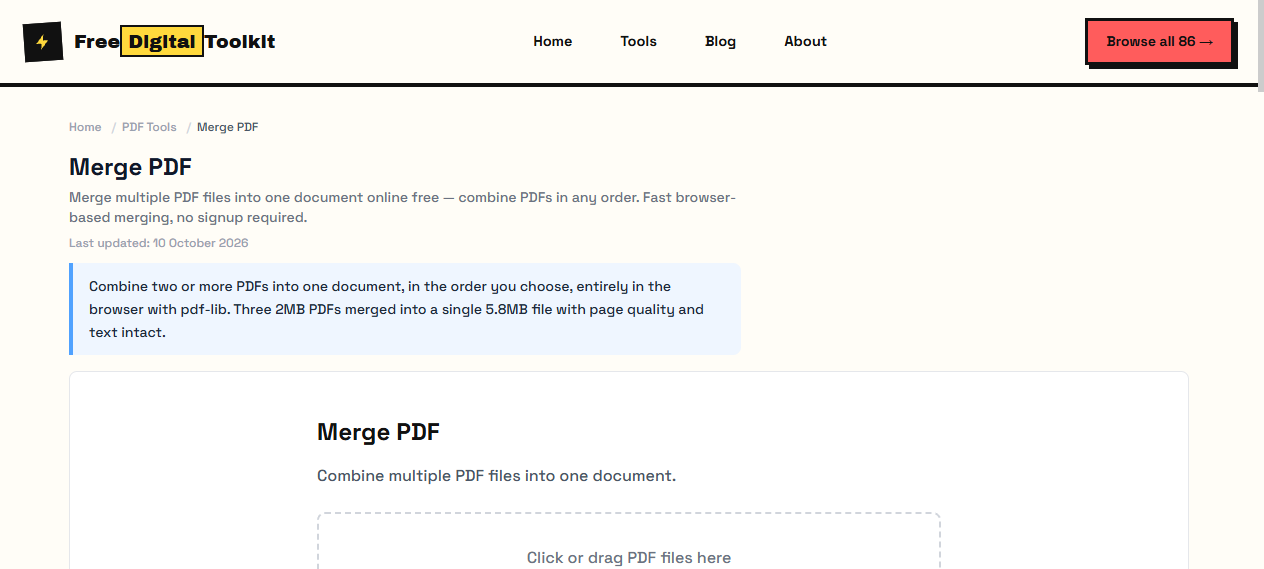
Step-by-Step: (1) Open the Merge PDF tool. (2) Click 'Select PDF Files' and choose all the PDFs you want to combine. (3) Use the up/down arrows to reorder files — the output follows the order you set. (4) Click 'Merge' and download the result.
Order Matters
Arrange files in the correct sequence before merging. The tool preserves the page order you specify, so a report merged out of order will stay out of order. You can preview each file before merging to confirm the sequence.
Limitations
Merging many large PDFs can create a very large file. If the merged PDF is too big for email, use our Compress PDF tool on the result. The tool cannot merge encrypted PDFs — you need to remove the password first. Bookmarks from individual files are preserved, but a combined table of contents is not generated.
How It Compares
Adobe Acrobat's Combine Files feature offers more control (drag-and-drop reordering, preview) but requires a paid subscription. ILovePDF and SmallPDF merge well but require uploading files to their servers and limit free use to a certain number of tasks per day. Our tool processes entirely in your browser with no upload, no file size limit, and no daily restrictions.
Privacy
Your PDFs are processed entirely in your browser. The files are never uploaded to any server. No one at FreeDigitalToolkit can see your documents.
Checking the Result Before You Send It
Merging takes seconds, so verify rather than assume. First add up the page counts of the inputs and confirm the merged document matches that total — a missing count means a file failed to load. Then jump to the first and last page of each original section: that catches order mistakes immediately. Finally scroll the boundaries between sections, because that is where an invoice usually lands rotated or where a scanned page shows up upside down. A source document scanned sideways merges sideways, so rotate individual pages with the Rotate PDF tool before you combine rather than after.
When the Merged File Is Too Large
A merged document is normally a little smaller than the sum of its inputs, because the tool shares fonts and removes duplicate object tables instead of simply adding file sizes together. The size that remains comes almost entirely from embedded images — scanned pages at 300 DPI are the usual culprit, and the text itself weighs almost nothing. If the result is too big to email, run it through Compress PDF, which drops image resolution to 150 DPI and strips metadata while leaving text sharp. If it is still too large, Split PDF into parts and send them as separate files.
Naming and Filing the Result
Most merge jobs exist to produce one artifact for someone else — a client, a teacher, a court clerk, a printer — and the file name is the first thing that person sees. Replace the default export name with something that says what the document is and when it was assembled: Vendor-Contract-2026-10.pdf reads better than merge-results.pdf, and it sorts correctly in a folder of similar files.
Date the assembly in the file name rather than relying on the modified timestamp, which changes the moment anyone opens the document. If the same packet is rebuilt later with an extra appendix, bump the date or add a version suffix so the recipient never has to guess which of two identical-looking attachments is current. Five seconds at the save dialog prevents the wrong-version problems that follow merged files everywhere.
Frequently Asked Questions
Does merging PDF files reduce the quality of the document?
No. The tool copies the existing page objects from each input into a single document, so text, fonts, images and vector graphics stay exactly as they were. Nothing is re-rendered or re-compressed, which is why the merged file usually comes out a few kilobytes smaller than the total of the inputs.
Is there a limit on how many PDFs I can merge?
The tool sets no file-count or size cap — the practical limit is what your browser and device can keep in memory. A batch of 20 files totalling about 80 MB merges in a few seconds on a normal laptop. If a very large batch fails, merge in two passes and combine the two results.
Why can the tool not merge a password-protected PDF?
Encrypted files cannot be read until the password is entered, and the tool never asks for or stores your password. Open the file in any PDF reader, print it to a new PDF or use Save As to produce an unprotected copy, then merge that copy.
Do bookmarks and internal links survive the merge?
Bookmarks and internal links inside each source file are preserved. What is not created is a single combined table of contents for the whole document — add one afterwards in a PDF editor if you need it.
How do I check a merged document before sending it?
Add up the page counts of the inputs and confirm the result matches, open the boundary page of each original section, and check that nothing came in sideways. It takes a minute and prevents the classic out-of-order or rotated report.
Related Guides
Try it yourself
Open Tool →