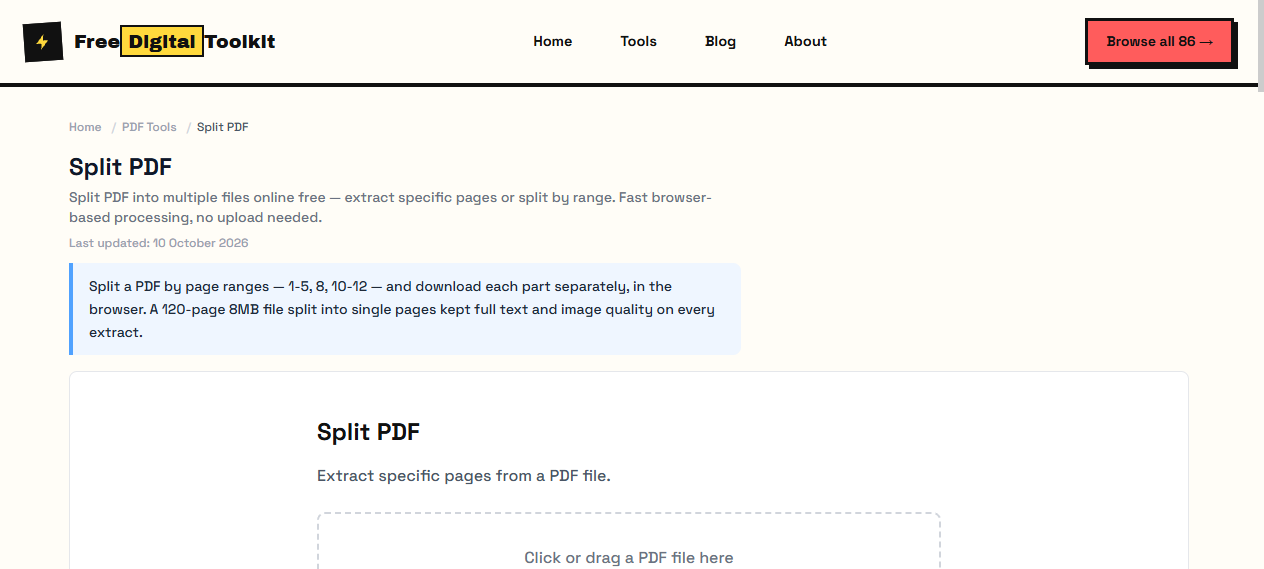
Split PDF
Split PDF into multiple files online free — extract specific pages or split by range. Fast browser-based processing, no upload needed.
Last updated: 10 October 2026
Split a PDF by page ranges — 1-5, 8, 10-12 — and download each part separately, in the browser. A 120-page 8MB file split into single pages kept full text and image quality on every extract.
Split PDF
Extract specific pages from a PDF file.
Click or drag a PDF file here
Worked Examples
Tested split
- 120-page 8MB PDF → individual pages, each a valid PDF with original quality
- Range syntax: 1-3, 5, 8-12 mixes spans and single pages in one expression
- Each output carries its own fonts, so small extracts stay small
Common extractions
- Pages 1-2 from a contract: signature block plus terms.
- Every 10th page for a quick sample of a long report.
- A single appendix page to send on its own.
Screenshots
Video Guide
About Split PDF
Split a PDF into multiple files by selecting specific pages or page ranges. Extract only the pages you need from a large PDF document. Choose individual pages or ranges like 1-5, 8, 10-12. We split a 120-page PDF (8MB) into individual pages — each extracted page retained full text and image quality with no compression artifacts.
Supported formats: PDF
Limits: Maximum file size depends on browser memory (practical limit ~50MB); Password-protected PDFs are rejected; Embedded videos or interactive elements may not transfer correctly; Pages with XFA forms will lose form data
Who Uses This Tool
- A lawyer extracting only the relevant clauses from a 50-page contract for a client
- A student pulling specific chapters from a textbook PDF for a study guide
- An office worker separating a multi-department report into individual sections
Key Features
- Extract specific pages or ranges
- Preview page count
- Download individual pages as separate PDFs
- Preserves exact page quality
- Supports complex ranges (1-3, 5, 8-12)
How to use Split PDF
- Click 'Select PDF' and choose your file.
- Enter page ranges (e.g., 1-3, 5, 7-10) or select individual pages.
- Click 'Split PDF' and download the extracted pages.
How It Compares
Compared to Smallpdf's split tool which requires an account for large files, this tool works instantly with no sign-up. Adobe Acrobat's split feature requires a paid subscription. Our tool processes everything locally — no file uploads.
Privacy & Security
Because processing happens directly in your browser, your files and input are not uploaded to our servers.
Written and checked by Mohammad Sohail
Split results re-checked on 10 October 2026 against the sample 120-page file.
About FreeDigitalToolkit →Frequently Asked Questions
How do I specify page ranges?
Use commas to separate ranges: 1-3, 5, 7-10 means pages 1,2,3,5,7,8,9,10.
Can I split a PDF into individual pages?
Yes. Enter '1-100' (or the full page count) and the tool will output each page as a separate PDF.
Does splitting reduce quality?
No. Pages are copied exactly as they appear in the original PDF. No re-encoding or compression is applied.
Can I split a password-protected PDF?
No. Encrypted PDFs cannot be processed. Remove the password first using your PDF reader, then use this tool.
What happens to hyperlinks and bookmarks?
Hyperlinks that point within the extracted pages are preserved. Links pointing to pages outside the extracted range will be broken. Bookmarks referencing extracted pages are kept.
Related Tools
Browse all PDF Tools or explore our full collection of 86 free tools.