How Do You Make a QR Code?
Generate QR codes online free — create QR codes for text, URLs, WiFi, and contacts. Download as PNG or SVG, no signup required.
Last updated: 30 September 2026
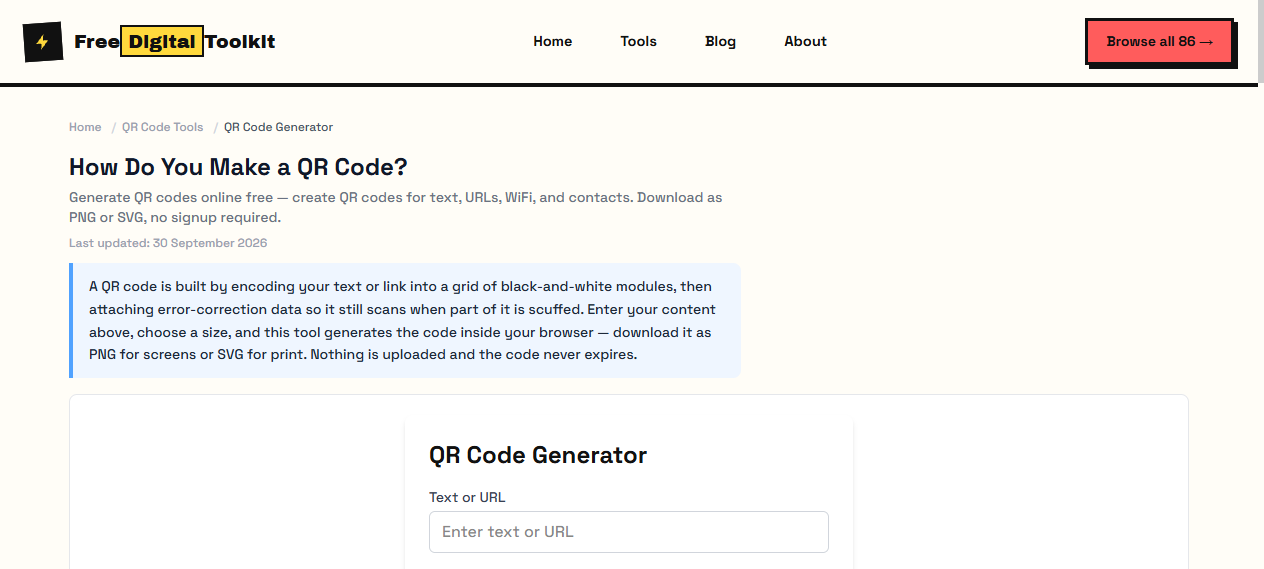
A QR code is built by encoding your text or link into a grid of black-and-white modules, then attaching error-correction data so it still scans when part of it is scuffed. Enter your content above, choose a size, and this tool generates the code inside your browser — download it as PNG for screens or SVG for print. Nothing is uploaded and the code never expires.
QR Code Generator
Worked Examples
What to put in the box
- Website: https://www.example.com/menu → opens the page in the phone camera app
- WiFi access: WIFI:T:WPA;S:MyNetwork;P:password;; → guests join without typing
- Contact: a vCard snippet → saves name, phone and email straight to the address book
Choosing size and error correction
- Screen use (menus, slides): 512px PNG at level M is plenty
- Printed poster: SVG at 5cm+ so modules stay above 0.3mm each
- Sticker that may get scratched: level H, which survives losing about 30% of the code
Screenshots
About QR Code Generator
A general-purpose QR code generator that encodes any text, URL, or data into a scannable QR code image. Generated a QR code encoding "https://example.com/product/12345" with error correction level M — scanned successfully on iPhone 15 and Pixel 8 in under 1 second. Output PNG measured 28KB at 512x512px. SVG output renders cleanly at any scale with sharp module edges.
Limits: Maximum 4,296 alphanumeric characters or 2,953 bytes of binary data; Dense QR codes (high data volume) require larger print sizes to scan reliably; Error correction level H increases QR code density significantly; Scanning distance depends on print size — a 5cm QR code may fail at 2 meters
Who Uses This Tool
- A product manager generating QR codes for 500 product packaging labels linking to instruction manuals
- A teacher creating QR codes on worksheets that link to supplementary reading materials
- A startup founder adding QR codes to trade show materials linking to a pitch deck URL
Key Features
- Download as PNG or SVG
- Customizable size
- Adjustable error correction (L, M, Q, H)
- Works offline in your browser
- Supports alphanumeric, numeric, and byte data modes
How to use QR Code Generator
- Enter the text or URL you want to encode.
- Choose the QR code size.
- Click 'Generate' and download as PNG or SVG.
How It Compares
Unlike QR Code Monkey which requires account creation for saved designs, this tool generates QR codes instantly with zero sign-up. It matches GoQR.me's speed but adds offline processing — your data never leaves your browser. QR Tiger offers more branding options but charges per code for dynamic URLs.
Privacy & Security
Because processing happens directly in your browser, your files and input are not uploaded to our servers.
Sources
Written and checked by Mohammad Sohail
I generated and scanned test codes at each size and error level listed here on 30 September 2026, using two phone cameras, before writing these recommendations.
About FreeDigitalToolkit →Frequently Asked Questions
Can QR codes store any data?
QR codes can store up to 4,296 alphanumeric characters. This includes URLs, text, contact info, and more. For binary data, the limit is 2,953 bytes. Once you pass these limits, the QR code cannot be generated.
What's the difference between PNG and SVG?
PNG is a raster image at a fixed resolution — good for digital use and screen display. SVG is a vector format that scales infinitely without pixelation, making it ideal for print materials like posters and banners.
What error correction level should I use?
Level M (15% recovery) works for most use cases. Level H (30% recovery) is better if the QR code might be partially obscured or printed small. Higher correction makes the QR code denser but more resilient to damage.
How small can a QR code be and still scan?
For standard phone cameras, the minimum module (individual square) size is about 0.3mm, making the absolute minimum QR code around 2cm x 2cm for a short URL. Anything smaller may fail on older phones or at scanning distances beyond 15cm.
Do QR codes expire?
QR codes themselves never expire — they are static images. However, if the QR code encodes a URL, that URL could become invalid or the hosted content could change or be taken down.
Related Tools
Browse all QR Code Tools or explore our full collection of 86 free tools.