Merge PDF
Merge multiple PDF files into one document online free — combine PDFs in any order. Fast browser-based merging, no signup required.
Last updated: 10 October 2026
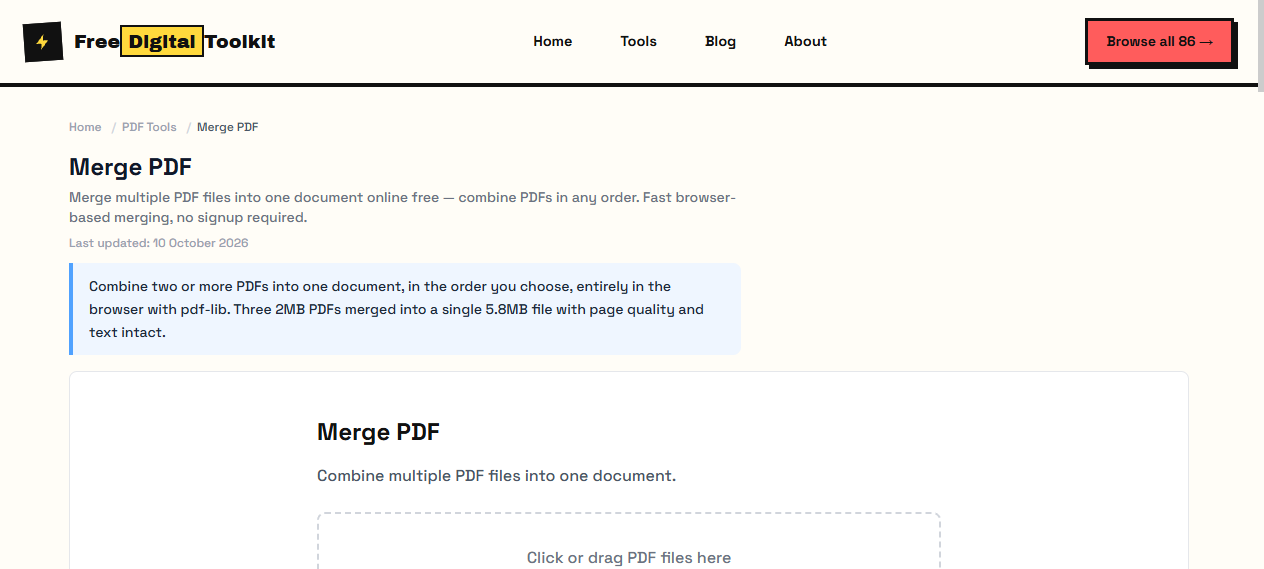
Combine two or more PDFs into one document, in the order you choose, entirely in the browser with pdf-lib. Three 2MB PDFs merged into a single 5.8MB file with page quality and text intact.
Merge PDF
Combine multiple PDF files into one document.
Click or drag PDF files here
Worked Examples
Tested merge
- Three 2MB PDFs → one 5.8MB file, every page retained full text and image quality
- Drag files in the order they should appear; the output follows that order exactly
- Merged size lands a little under the sum of the inputs because fonts are shared
Assembling a packet
- Add cover sheet, then main document, then appendices — order is fixed at merge time.
- If the result is too big to email, run it through Compress PDF next.
- Password-protected inputs cannot be merged — unlock them first.
Screenshots
About Merge PDF
Merge multiple PDF files into a single document. Upload 2 or more PDFs and combine them in the order you choose. The merged PDF maintains the page order you specify. All processing happens in your browser using pdf-lib. We merged three 2MB PDFs into one — the result was 5.8MB with no quality loss or broken links.
Supported formats: PDF
Limits: No server-side processing — everything runs in the browser; Password-protected PDFs cannot be merged; Extremely large files (50MB+) may cause browser slowdown on low-RAM devices; Interactive form fields may lose interactivity after merging
Who Uses This Tool
- A student combining three research paper PDFs into one submission file
- An accountant merging monthly statement PDFs into a single annual report
- A legal professional consolidating multiple scanned contracts into one case file
Key Features
- Merge multiple PDFs (subject to device memory)
- Drag and drop reordering
- Preserves page quality
- Instant browser processing
- No file size limit (device RAM dependent)
How to use Merge PDF
- Click 'Select PDF Files' and choose 2 or more PDFs.
- Drag and drop to reorder pages if needed.
- Click 'Merge PDF' and download the combined file.
How It Compares
Unlike iLovePDF and Smallpdf which require uploading files to their servers, our tool processes everything in your browser — your files never leave your device. Adobe Acrobat requires a paid subscription for merging, while this tool is completely free.
Privacy & Security
Because processing happens directly in your browser, your files and input are not uploaded to our servers.
Written and checked by Mohammad Sohail
Merge result re-checked on 10 October 2026 by combining the three sample PDFs.
About FreeDigitalToolkit →Frequently Asked Questions
How many PDFs can I merge?
You can merge multiple PDF files, subject to available browser memory and device performance. Very large files or large numbers of PDFs may take longer to process.
Does this preserve bookmarks and links?
Basic bookmarks are preserved. Some complex PDF features like interactive forms may not transfer perfectly.
Can I reorder pages before merging?
Yes. Drag and drop to rearrange the order of files before merging. Pages from each file stay in their original internal order.
Can I merge encrypted or password-protected PDFs?
No. Password-protected PDFs will be rejected. You must remove the password first using your PDF reader before merging.
What is the maximum file size?
There is no hard file size limit, but processing large files (50MB+) depends on your device's available RAM. Browser tabs can use 1-2GB of memory before crashing.
Related Tools
Browse all PDF Tools or explore our full collection of 86 free tools.