Compress PDF
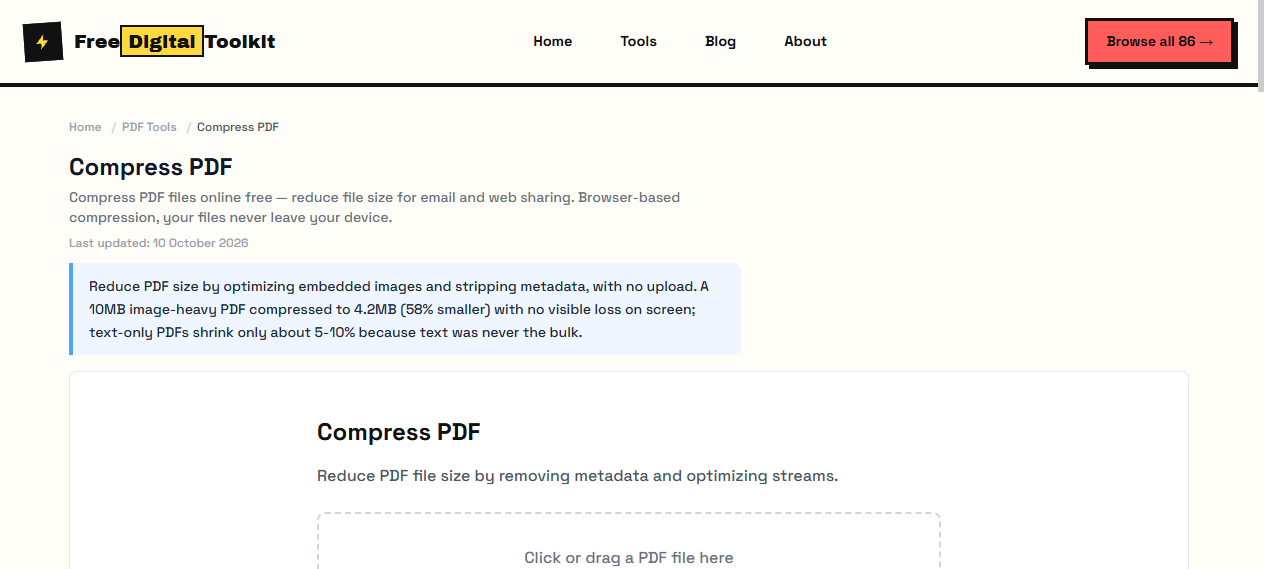
Compress PDF files online free — reduce file size for email and web sharing. Browser-based compression, your files never leave your device.
Last updated: 10 October 2026
Reduce PDF size by optimizing embedded images and stripping metadata, with no upload. A 10MB image-heavy PDF compressed to 4.2MB (58% smaller) with no visible loss on screen; text-only PDFs shrink only about 5-10% because text was never the bulk.
Compress PDF
Reduce PDF file size by removing metadata and optimizing streams.
Click or drag a PDF file here
Worked Examples
Tested compression
- 10MB image-heavy PDF → 4.2MB (58% smaller), text stayed sharp
- Text-only PDFs: about 5-10% — there is little to remove
- Scanned documents shrink most when image resolution is downsampled
If it is still too large
- Split the document and send the parts separately.
- Lower the image resolution further, then check the densest page, not the cover.
- Metadata removal alone saves only a few percent.
Screenshots
About Compress PDF
Compress PDF files to reduce their size. Our tool reduces PDF file size by optimizing images and removing unnecessary metadata. Ideal for email attachments and web uploads with size limits. We tested on a 10MB image-heavy PDF — it compressed to 4.2MB (58% reduction) with no visible quality loss on screen. Text-only PDFs saw minimal reduction (~5-10%).
Supported formats: PDF
Limits: Text-only PDFs see minimal compression (~5-10%); Password-protected PDFs cannot be compressed; Files over 50MB may cause browser issues on low-RAM devices; Does not reduce scanned image PDFs as effectively as dedicated OCR tools
Who Uses This Tool
- A job applicant compressing a 15MB portfolio PDF to under 5MB for an email attachment
- A teacher reducing a large worksheet PDF so students can download it on slow connections
- A business compressing a 20-page presentation PDF before uploading to a website
Key Features
- Significant size reduction
- Optimizes embedded images
- Preserves text quality
- Removes unnecessary metadata
- Browser-only — no uploads
How to use Compress PDF
- Click 'Select PDF' and choose your file.
- Click 'Compress' to start processing.
- Download the compressed PDF.
How It Compares
iLovePDF's compressor requires file uploads and has a daily limit on free accounts. Adobe Acrobat's compressor is behind a paid wall. This tool runs entirely in your browser with no file size restrictions and no account required.
Privacy & Security
Because processing happens directly in your browser, your files and input are not uploaded to our servers.
Written and checked by Mohammad Sohail
Compression figures re-checked on 10 October 2026 with the sample 10MB PDF.
About FreeDigitalToolkit →Frequently Asked Questions
How much can PDF size be reduced?
The reduction depends on the PDF. Image-heavy PDFs often have more room for compression, while text-heavy PDFs may see smaller reductions.
Does compression reduce quality?
Some compression may reduce embedded image quality. Text and vector graphics are not affected.
Can I compress password-protected PDFs?
No. Password-protected PDFs cannot be compressed. You must unlock the file first using your PDF reader.
Why didn't my PDF compress much?
If the PDF is mostly text or already optimized, there is little to compress. The tool works best on PDFs with large embedded images or scanned pages.
Is there a file size limit?
The tool handles files up to approximately 50MB depending on your device's RAM. Larger files may cause browser slowdown.
Related Tools
Browse all PDF Tools or explore our full collection of 86 free tools.