JSON Formatter
Format and beautify JSON data with syntax highlighting online free — paste JSON, get readable formatted output instantly.
Last updated: 10 October 2026
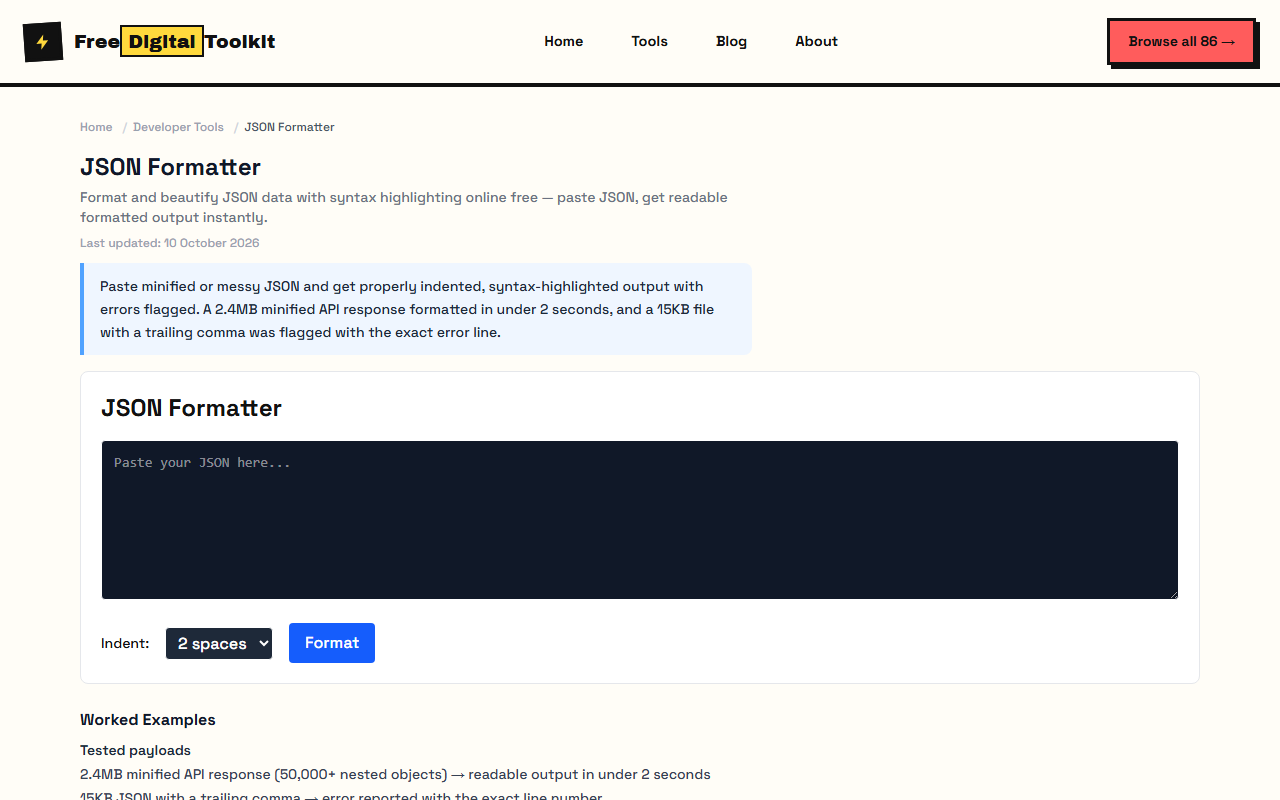
Paste minified or messy JSON and get properly indented, syntax-highlighted output with errors flagged. A 2.4MB minified API response formatted in under 2 seconds, and a 15KB file with a trailing comma was flagged with the exact error line.
JSON Formatter
Worked Examples
Tested payloads
- 2.4MB minified API response (50,000+ nested objects) → readable output in under 2 seconds
- 15KB JSON with a trailing comma → error reported with the exact line number
- Indentation is a fixed 2 spaces on every output
Cleaning API dumps
- Paste the raw response body before touching anything else — formatting first makes errors obvious.
- Deep nesting is preserved exactly; the tool never reorders keys.
- Formatting runs in the browser — nothing is uploaded.
Screenshots
Video Guide
About JSON Formatter
Format and beautify JSON data with syntax highlighting. Paste minified or unformatted JSON and get properly indented, readable output. Instantly detects syntax errors. Works with any valid JSON — no size limit beyond browser memory. We tested by formatting a 2.4MB minified API response (50,000+ nested objects) — it produced properly indented output in under 2 seconds with correct nesting at every level. A 15KB malformed JSON with a trailing comma was flagged with the exact line number of the error.
Limits: No hard size limit, but browser memory constrains practical use to ~50MB of JSON; Uses fixed 2-space indentation — no option to change to tabs or 4 spaces; Very large files (100MB+) may crash the browser tab on low-RAM devices
Who Uses This Tool
- A backend developer formatting a 500KB API response from a curl request to debug a data structure issue
- A frontend developer beautifying a minified JSON config file to review settings before deployment
- A data analyst formatting a pasted JSON export from MongoDB to inspect nested document structure
Key Features
- Auto-detect and format
- Syntax highlighting
- Error detection
- Copy to clipboard
- Handles deeply nested structures
- Preserves data types and values
How to use JSON Formatter
- Paste your JSON data in the input area.
- Click 'Format' to format your JSON with proper indentation and syntax highlighting.
- Copy the formatted JSON to your clipboard.
How It Compares
Unlike jsonformatter.org which requires file uploads to their server, this tool processes entirely in your browser — your data never leaves your device. It also provides syntax error detection with line numbers, which many online formatters either lack or require premium accounts to access.
Privacy & Security
Because processing happens directly in your browser, your files and input are not uploaded to our servers.
Written and checked by Mohammad Sohail
Formatting runs re-checked on 10 October 2026 with the sample 2.4MB response.
About FreeDigitalToolkit →Frequently Asked Questions
What is JSON formatting?
JSON formatting (or beautifying) adds proper indentation, line breaks, and spacing to make JSON data human-readable. It transforms compressed JSON like {"a":1,"b":2} into a clean, structured format.
How do I fix invalid JSON?
The formatter will highlight syntax errors. Common issues include trailing commas, missing quotes, unclosed brackets, and incorrect property names. Fix the highlighted errors and re-format.
What is the difference between formatting and minification?
Formatting makes JSON readable by adding spaces and indentation. Minification does the opposite — it removes all whitespace to produce the smallest possible file size.
Is my JSON uploaded to a server?
No. All formatting happens in your browser. Your JSON data is never sent to any server.
Does it support nested JSON?
Yes. The formatter handles any valid JSON structure, including deeply nested objects and arrays. It preserves the correct indentation at every level.
What's the largest JSON I can format?
There's no hard limit, but formatting depends on browser memory. JSON files over 50MB may cause slowdowns or tab crashes on devices with limited RAM. For very large files, consider formatting in smaller chunks.
Can I change the indentation size?
The formatter uses standard 2-space indentation by default. If you need different indentation (tabs, 4 spaces), you'll need to adjust it manually after formatting or use a code editor.
Related Tools
Browse all Developer Tools or explore our full collection of 86 free tools.