Image Compressor
Free online image compressor — reduce JPG, PNG, WebP file sizes without losing quality. Batch compress up to 10 images at once, instant download.
Last updated: 10 October 2026
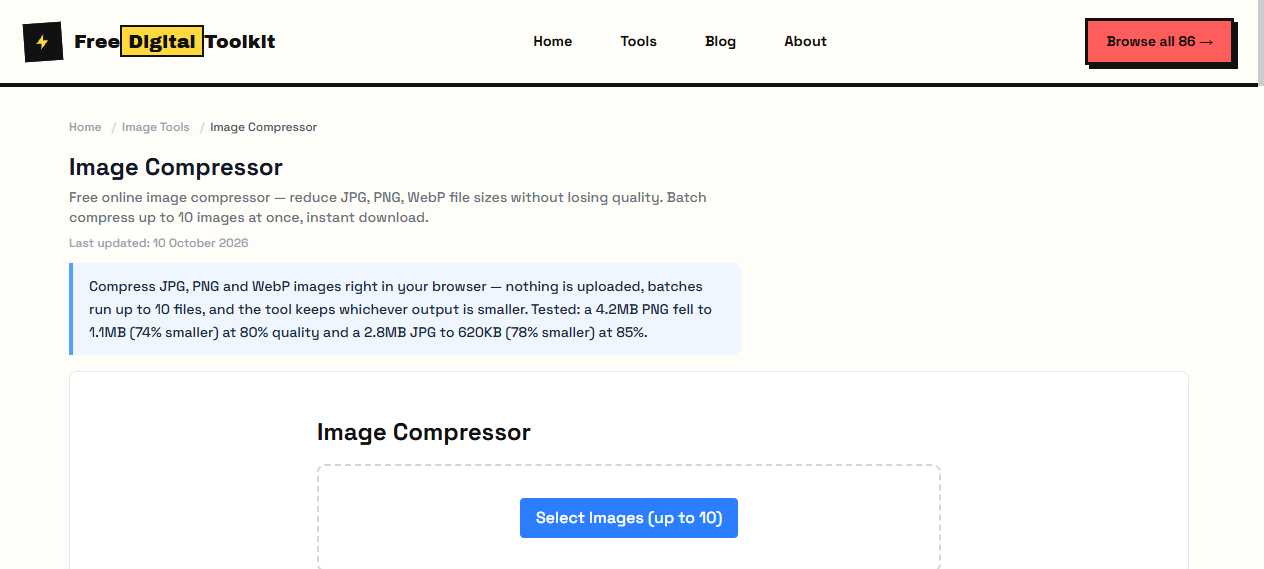
Compress JPG, PNG and WebP images right in your browser — nothing is uploaded, batches run up to 10 files, and the tool keeps whichever output is smaller. Tested: a 4.2MB PNG fell to 1.1MB (74% smaller) at 80% quality and a 2.8MB JPG to 620KB (78% smaller) at 85%.
Image Compressor
Worked Examples
Tested reductions
- 4.2MB PNG at 80% quality → 1.1MB (74% smaller, no visible loss on screen)
- 2.8MB JPG at 85% quality → 620KB (78% smaller, sharp at web viewing size)
- Batch mode compresses 10 files in one pass and returns them as a single ZIP
Picking a quality setting
- 85-90% for photos people will study closely — artifacts stay hidden.
- 70-80% for web thumbnails and product grids rendered small.
- Below 70% banding appears in gradients and around text edges.
Screenshots
About Image Compressor
Our Image Compressor reduces file size of JPG, PNG, and WebP images while preserving visual quality. It uses advanced compression algorithms to analyze your image and remove unnecessary metadata and optimize color data. Upload up to 10 images at once for batch processing. The compressor compares the compressed output with the original and keeps whichever is smaller — you always get the best result. We tested this by compressing a 4.2MB PNG at 80% quality, resulting in a 1.1MB file — a 74% reduction. A 2.8MB JPG compressed at 85% quality dropped to 620KB — a 78% reduction.
Supported formats: JPG, JPEG, PNG, WebP
Limits: Maximum 10 images per batch; Maximum file size depends on browser memory — images over 20MB may cause slowdowns; PNG compression via color quantization is less effective on photographs with millions of colors; WebP re-encoding may not always produce smaller files than the original
Who Uses This Tool
- A web developer optimizing 50 product images before deploying a new e-commerce site
- A freelancer compressing portfolio images before sending to a client via email with attachment limits
- A blogger reducing photo sizes to improve page load speed and Core Web Vitals scores
Key Features
- Batch compress up to 10 images at once
- Adjustable quality slider (1-100%)
- Keeps original format (JPG stays JPG)
- Smart compression — keeps smaller of original vs compressed
- Download all as ZIP file
- Client-side processing — no server upload
How to use Image Compressor
- Click 'Select Images' and choose up to 10 JPG, PNG, or WebP files.
- Adjust the quality slider (1-100%) — lower quality means smaller files.
- Click 'Compress' and wait for processing.
- Download individual files or 'Download All' as a ZIP.
How It Compares
Unlike TinyPNG which requires uploading images to their servers, this tool processes entirely in your browser with zero server uploads. It also handles JPG, PNG, and WebP in one tool, while TinyPNG is limited to PNG and JPG only.
Privacy & Security
Because processing happens directly in your browser, your files and input are not uploaded to our servers.
Written and checked by Mohammad Sohail
Reduction figures re-checked on 10 October 2026 against the tool's own output on the sample files above.
About FreeDigitalToolkit →Frequently Asked Questions
Does compression reduce image quality?
At high quality settings (80-100%), the difference is virtually invisible. Lower settings may show slight quality loss but significantly reduce file size.
What image formats are supported?
JPG, JPEG, PNG, and WebP images are supported. Output format matches the input format.
Are my images uploaded to a server?
No. All compression happens in your browser using HTML5 Canvas. Your images never leave your device.
What's the maximum file size I can compress?
There's no hard limit, but images over 20MB may cause slow processing or browser memory issues on lower-end devices. The browser needs enough RAM to hold the original and compressed versions simultaneously.
Can I compress transparent PNG images?
Yes, PNG transparency is preserved. However, the quality slider mainly affects JPEG re-encoding. For PNG, compression works through color quantization which may reduce colors in highly detailed photographs.
Related Tools
Browse all Image Tools or explore our full collection of 86 free tools.