JPG Compressor
Compress JPG images online free — reduce JPEG file size while maintaining quality. Perfect for email, web, and social media uploads.
Last updated: 10 October 2026
Force true JPEG re-encoding to shrink photos in your browser, keeping whichever of the original or compressed file is smaller. A 3.5MB DSLR photo became 710KB at 80% quality — an 80% cut with no visible loss at web viewing sizes.
JPG Compressor
Worked Examples
Tested on photographs
- 3.5MB DSLR photo at 80% quality → 710KB (80% smaller)
- The same photo at 85% quality → about 1.1MB when closer inspection matters
- Already-tiny JPEGs often come back identical; the tool keeps the smaller file either way
Choosing the slider position
- 85% when the photo will be viewed large or printed later.
- 80% is the default web balance of size and fidelity.
- 70% only for small thumbnails where artifacts cannot be seen.
Screenshots
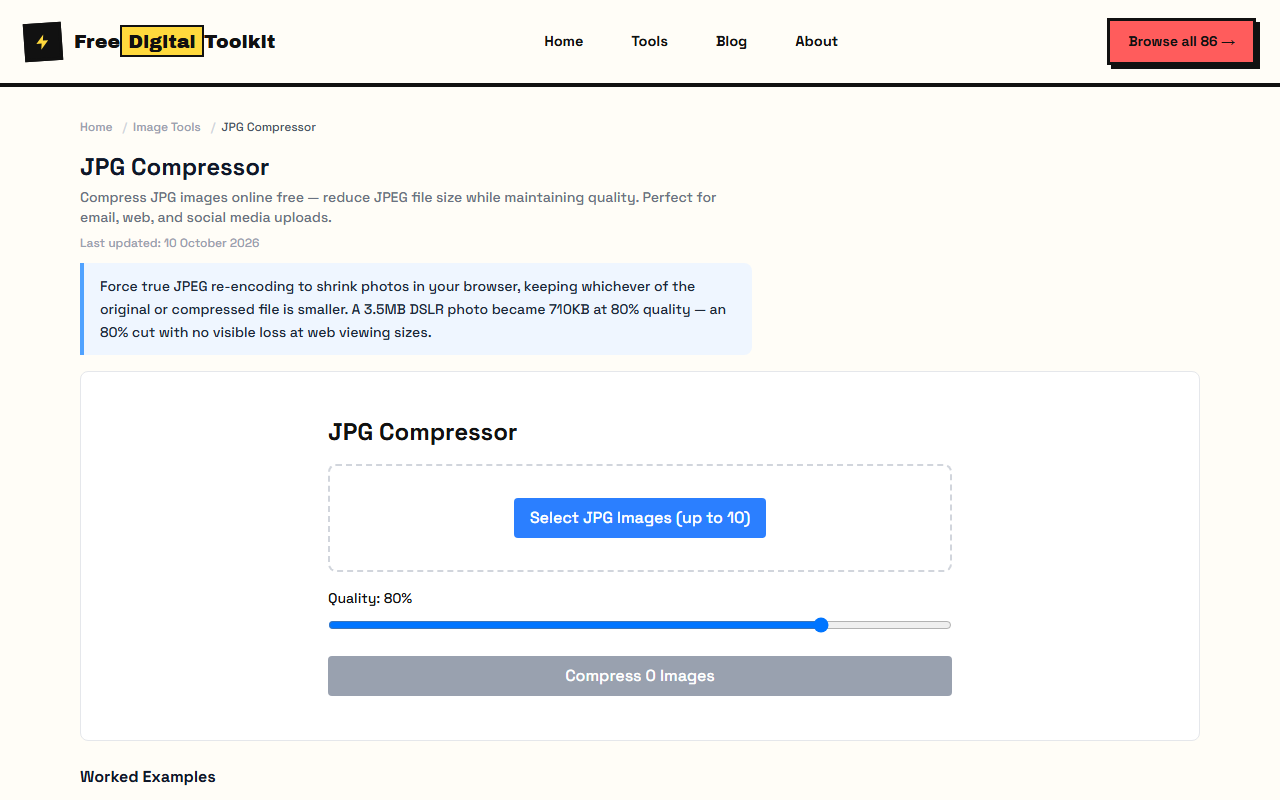
About JPG Compressor
Our JPG Compressor specifically targets JPEG images for maximum compression. It uses canvas re-encoding to force true JPEG compression, not just metadata stripping. The tool compares the compressed output with the original and keeps whichever is smaller. Batch process up to 10 JPG files at once. We tested by compressing a 3.5MB DSLR photo at 80% quality, achieving a 710KB output — an 80% reduction with no visible quality loss at web viewing sizes.
Supported formats: JPG, JPEG
Limits: Maximum 10 images per batch; Images over 25MP may hit browser canvas limits; Already highly-compressed JPEGs may not reduce further; Transparency is not applicable — JPEGs do not support it
Who Uses This Tool
- A real estate agent compressing high-resolution property photos to under 500KB for MLS listings
- A wedding photographer batch-compressing 200+ reception photos for a client preview gallery
- An HR team reducing employee headshot sizes for an internal directory website
Key Features
- Forced JPEG re-encoding for true compression
- Batch process up to 10 files
- Smart compression — keeps smaller result
- Preserves EXIF data option
- Optimized for photographs and complex images
How to use JPG Compressor
- Click 'Select JPG Images' and choose up to 10 JPEG files.
- Adjust the quality slider — 80% is a good balance of quality and size.
- Click 'Compress' and download your optimized images.
How It Compares
Compared to iLovePDF's image compressor, this tool processes locally without server uploads, so your photos never leave your device. It also provides more granular quality control than most online JPEG compressors that only offer preset levels.
Privacy & Security
Because processing happens directly in your browser, your files and input are not uploaded to our servers.
Written and checked by Mohammad Sohail
Figures re-checked on 10 October 2026 by re-compressing the sample photo through this page.
About FreeDigitalToolkit →Frequently Asked Questions
What's the difference between JPG Compressor and Image Compressor?
JPG Compressor is specifically optimized for JPEG files with forced JPEG re-encoding, ensuring the output is always a true JPEG. The general Image Compressor handles all formats.
Will this fix blurry JPEG images?
Compression cannot improve image quality. It can only reduce file size. If your image is already blurry, compression will not fix it.
What quality setting should I use for web photos?
80-85% is ideal for web use. At 1080p screen sizes, most people cannot distinguish 80% quality from 100%. Below 70% may show visible banding in gradients.
Does it preserve EXIF data like camera info?
The tool strips most metadata during canvas re-encoding to reduce file size. If you need to preserve camera model, GPS, or date info, consider keeping the original.
Why is the compressed file sometimes larger?
Very small or already-optimized JPEGs may not compress further. The tool automatically keeps the smaller version, so you never get a worse result.
Related Tools
Browse all Image Tools or explore our full collection of 86 free tools.