Compress Images Without Losing Quality
September 8, 2026
Written by Mohammad Sohail
Compressing an image does not mean making it look worse. Modern compression removes data your eyes cannot easily detect. The trick is knowing which format to use and what quality level keeps the file small while preserving visual clarity.
What I Tested
I took three source images and compressed each at three quality levels using our Image Compressor:
• Landscape photo (4032×3024, 5.8MB JPEG): 90% quality → 1.4MB (76% smaller). 80% → 980KB (83% smaller). 70% → 620KB (89% smaller). At 80% the sky gradient and tree bark texture looked identical to the original on a 24-inch monitor.
• Screenshot of a code editor (1920×1080, 1.9MB PNG): PNG compression reduced it to 420KB (78% smaller). Text remained crisp at 100% zoom. Color quantization to 256 colors had no visible effect on the syntax-highlighted code.
• Product photo on white background (3000×3000, 4.2MB JPEG): 80% quality → 780KB (81% smaller). The white background showed no banding. Fine text on the product label remained readable.
JPG Compression
JPEG uses lossy compression that discards color data humans can not easily see. Start with 80-90% quality for web photos. Below 70% you will start noticing artifacts, especially around text and sharp edges. Our JPG Compressor re-encodes images at your chosen quality level and keeps whichever result is smaller.
PNG Compression
PNG uses lossless compression — no data is discarded. Our PNG Compressor uses color quantization, reducing the color palette from millions of colors to 256 or fewer. This is especially effective for screenshots, illustrations, and graphics with flat colors. Photos saved as PNG benefit less from this approach.
WebP Format
Google's WebP format achieves 25-35% smaller files than JPG at similar visual quality. It supports both lossy and lossless modes. If your target audience uses modern browsers (Chrome, Firefox, Edge, Safari 14+), WebP is the best choice for web images. Use our JPG to WebP or PNG to WebP converter to switch formats.
Target File Sizes
For email attachments, aim for under 200KB. For website hero images, 50-150KB is ideal. For thumbnails, 10-30KB works well. Our Compress to Size tool lets you target specific sizes (50KB, 100KB, 200KB, 500KB, 1MB) and uses a binary search algorithm to find the optimal quality.
Batch Processing
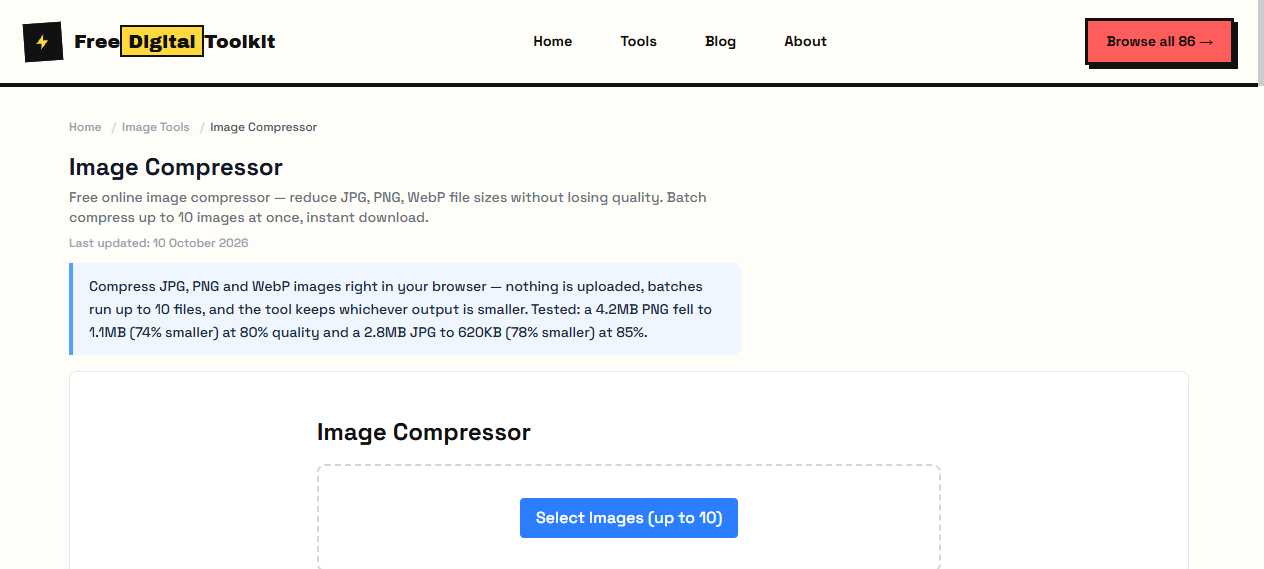
If you have multiple images, our Image Compressor supports batch processing up to 10 files at once. Upload them all, adjust the quality slider, and download everything as a ZIP.
Limitations
Lossy compression is permanent — you can not recover discarded data from the compressed file. Always keep your originals. JPEG artifacts become visible below 60% quality, especially on images with text or sharp edges. PNG color quantization may cause slight banding in smooth gradients at aggressive settings.
How It Compares
Desktop tools like Photoshop and GIMP offer more control but require installation and cost money. Online tools like TinyPNG compress well but require uploading your images to external servers. Our tool runs entirely in your browser — no upload, no waiting, no privacy risk. The compression ratio is comparable to TinyPNG (typically 60-85% reduction on photos).
Privacy
Everything runs in your browser using JavaScript and Canvas APIs. Your images are never uploaded to any server. No one at FreeDigitalToolkit can see your files.
What Quality Actually Costs
JPG quality is not a percentage of detail retained; it is a compression setting that decides how aggressively the encoder discards information the eye is least likely to notice. Between 95 and 85 the file size falls by half while the image stays convincing. Between 85 and 75 there is another visible step down in size with artifacts still hidden in most photographs. Below 70, blocking appears around text, edges and smooth gradients, and the image starts to look like something that came over a slow connection.
The useful range therefore sits between 80 and 90 for photographs, and higher — 90 or above — for anything with fine detail or text. Choose by content, not by habit: a product photo and a screenshot of a spreadsheet are asking for different settings, and treating them the same wastes either quality or bytes.
Where the Size Actually Lives
In nearly every case, in the embedded images. Text in a PDF compresses almost to nothing, fonts are shared, and structure takes kilobytes. A photo-heavy page or a scanned document is different: the image data dominates, so compression means downsampling those images to a sensible resolution and re-encoding them at a sensible quality.
That is also why expectations should be set per document. A born-digital report full of text will shrink a little; a scanned contract at 300 DPI can shrink by more than half without becoming unreadable at normal zoom. Check the first page and a dense middle page after compressing rather than trusting the percentage alone.
Frequently Asked Questions
Is JPG compression really without losing quality?
No — JPG is lossy by design, and that is where the size saving comes from. What the phrase means in practice is without losing quality you can see: at 80 to 85 percent the result looks identical at normal viewing size while shrinking dramatically. Anything that claims lossless compression on a photograph is describing PNG or lossless WebP, which save far less.
Can I compress the same image more than once?
Avoid it. Each pass re-encodes the artifacts left by the previous one, so a photo saved at 70 percent three times looks noticeably worse than the same photo saved at 70 percent once. Compress from the original every time, and keep that original in a folder the export script never touches.
What gives the biggest size reduction?
Dimensions. Halving the width and height cuts the pixel count to a quarter, which is a far larger saving than any quality setting. If an image is 4000 pixels wide and will only ever appear at 800, resizing first is the single most effective step; the quality slider then finishes the job.
Are my images uploaded when I compress them?
No. Compression runs in your browser using its own image encoder. Files are read from your machine and the smaller copy is offered as a download — nothing is transmitted to a server.
Related Guides
Try it yourself
Open Tool →