Base64 Encoder/Decoder
Encode and decode Base64 strings online free — convert text to Base64 and back instantly. Perfect for email and web encoding.
Last updated: 10 October 2026
Encode text to Base64 or decode Base64 back to text, with full UTF-8 support. A 10KB JSON string encoded to 13,656 characters — the expected 33% overhead — and decoding a JWT header section returned the original string exactly.
Base64 Encoder / Decoder
Worked Examples
Tested round-trips
- 10KB JSON string → 13,656 Base64 characters (33% larger, as Base64 always is)
- JWT header segment decoded back to the exact original JSON
- Emojis and non-Latin characters survive encode and decode unchanged
Where Base64 is used
- data: URIs that embed small images or fonts directly in CSS or HTML.
- Email attachments, which transport binary content as Base64 text.
- Base64 is encoding, not encryption — anyone with the string can decode it.
Screenshots
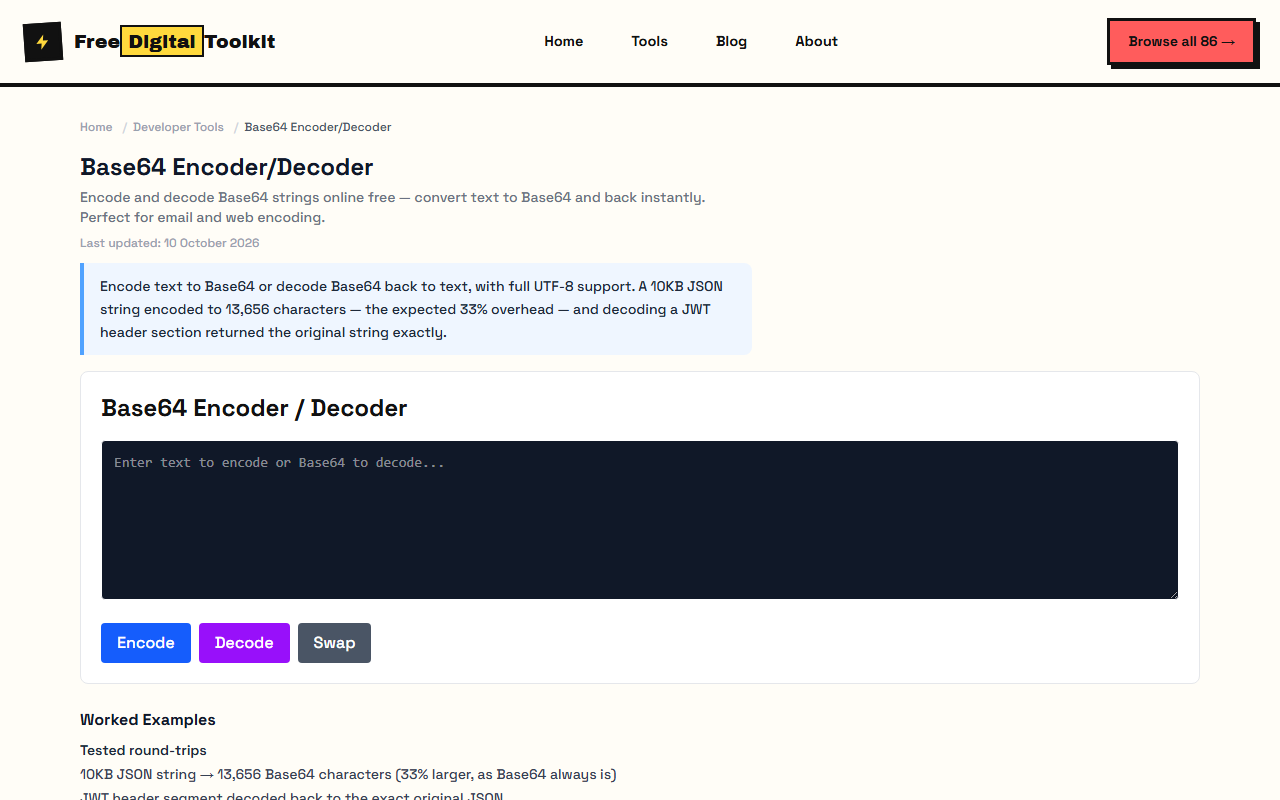
About Base64 Encoder/Decoder
Encode and decode Base64 strings online. Convert text to Base64 or decode Base64 back to text. Commonly used for encoding data in email, URLs, and data URIs. We tested by encoding a 10KB JSON string — the Base64 output was 13,656 characters (33% larger, as expected for Base64). Decoding a Base64-encoded JWT header section returned the exact original string with no data loss.
Limits: Text encoding only — cannot encode binary files or images; Base64 adds ~33% size overhead — not suitable for compressing data; Very large inputs (1MB+) may have a brief processing delay; Does not handle URL-safe Base64 variant (uses standard Base64 alphabet)
Who Uses This Tool
- A developer encoding a JSON payload to embed in a data URI for an inline HTML email template
- A DevOps engineer encoding API credentials to Base64 for an HTTP Authorization header
- A frontend developer decoding a Base64-encoded font string from a CSS file to inspect its contents
Key Features
- Encode text to Base64
- Decode Base64 to text
- Instant conversion
- UTF-8 support
- Handles special characters and emojis
How to use Base64 Encoder/Decoder
- Enter text to encode or Base64 to decode.
- Click 'Encode' or 'Decode'.
- Copy the result.
How It Compares
Unlike base64encode.org which shows ads and requires page reloads, this tool encodes and decodes instantly as you type, with no account and no upload. It also handles UTF-8 characters and emojis correctly, while many free Base64 tools break on non-ASCII input.
Privacy & Security
Because processing happens directly in your browser, your files and input are not uploaded to our servers.
Written and checked by Mohammad Sohail
Round-trips re-checked on 10 October 2026 with the sample JSON and JWT header.
About FreeDigitalToolkit →Frequently Asked Questions
What is Base64?
Base64 is an encoding scheme that represents binary data as ASCII text. It's used to safely transmit data over text-based systems.
Does Base64 encryption make data secure?
No. Base64 is an encoding, not encryption. It's trivially reversible — anyone can decode Base64. It provides zero security. Use it for data transport, not protection.
Why is Base64 output longer than the input?
Base64 encodes every 3 bytes into 4 characters, resulting in approximately 33% size overhead. This is the trade-off for representing binary data as text.
Can I encode files, not just text?
This tool encodes text only. For encoding images or binary files to Base64, use a file-specific Base64 encoder that handles binary data through FileReader API.
Related Tools
Browse all Developer Tools or explore our full collection of 86 free tools.