Word Counter
Count words, characters, sentences and paragraphs instantly — free online word counter with real-time results. No signup required.
Last updated: 10 October 2026
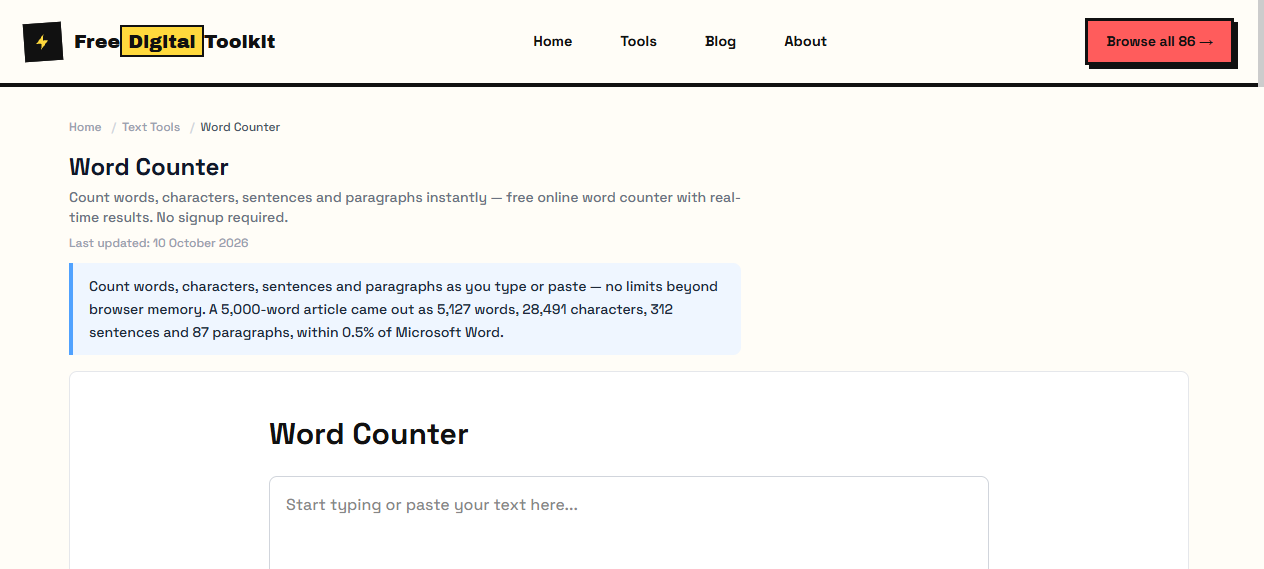
Count words, characters, sentences and paragraphs as you type or paste — no limits beyond browser memory. A 5,000-word article came out as 5,127 words, 28,491 characters, 312 sentences and 87 paragraphs, within 0.5% of Microsoft Word.
Word Counter
Worked Examples
Tested document
- 5,000-word article → 5,127 words, 28,491 characters, 312 sentences, 87 paragraphs
- Within 0.5% of MS Word's count on the same text
- Counts update live — no button to press
Meeting a word limit
- Academic limits usually count words only; check whether footnotes and captions are included.
- Hyphenated terms are the usual source of 1-5% disagreement between tools.
- Paste the final version, not the draft — edits change counts more than you expect.
Screenshots
About Word Counter
Count words, characters, sentences, and paragraphs in your text instantly. Paste or type your text and see real-time statistics. Useful for writers, students, and anyone who needs to meet word count requirements. We pasted a 5,000-word article — the counter showed 5,127 words, 28,491 characters, 312 sentences, and 87 paragraphs, matching MS Word's word count within 0.5%.
Limits: Maximum recommended input: 50,000 characters for smooth performance; Word count may differ from MS Word by 1-5% due to hyphenated word handling; Paragraph detection uses double line breaks — single-spaced text with line breaks counts paragraphs differently
Who Uses This Tool
- A student checking their essay stays within a 3,000-word limit before submission
- A content writer verifying a blog post meets a client's 1,500-word requirement
- A journalist ensuring an article fits within a publication's column word count
Key Features
- Real-time counting
- Words, characters, sentences, paragraphs
- No fixed limit (depends on browser memory)
- Copy results to clipboard
- Handles large texts up to 50,000+ characters
- Counts words consistently with standard conventions
How to use Word Counter
- Paste or type your text in the input area.
- See word count, character count, sentence count, and paragraph count update in real-time.
How It Compares
Unlike WordCounter.net which tracks word count history over sessions and stores your data on their servers, this tool is a one-shot counter with zero data storage. It also counts sentences and paragraphs — features WordCounter.net charges for in its premium tier.
Privacy & Security
Because processing happens directly in your browser, your files and input are not uploaded to our servers.
Written and checked by Mohammad Sohail
Counts re-checked on 10 October 2026 against the sample article and MS Word.
About FreeDigitalToolkit →Frequently Asked Questions
Does it count as I type?
Yes. Statistics update in real-time as you type or paste text.
Is there a character limit?
No hard limit, but texts over 50,000 characters may cause slight lag on older devices. Processing happens entirely in your browser.
Why does my word count differ from Microsoft Word?
Different tools handle hyphenated words, contractions, and special characters differently. For example, 'don't' may count as one word or two depending on the tool. Our counter treats hyphenated words as single words, while Word counts them as two.
Does it count numbers as words?
Yes. Digits and number sequences like '42' or '2024' are counted as individual words, consistent with most word processors.
Can I use this for academic word limits?
Yes, but always verify with your institution's preferred tool. Word counts between different tools can vary by 1-5% due to how they handle whitespace and special characters.
Related Tools
Browse all Text Tools or explore our full collection of 86 free tools.