PNG to JPG
Convert PNG images to JPG format online free — adjust quality slider for smaller file sizes. Fast browser-based conversion, no upload needed.
Last updated: 10 October 2026
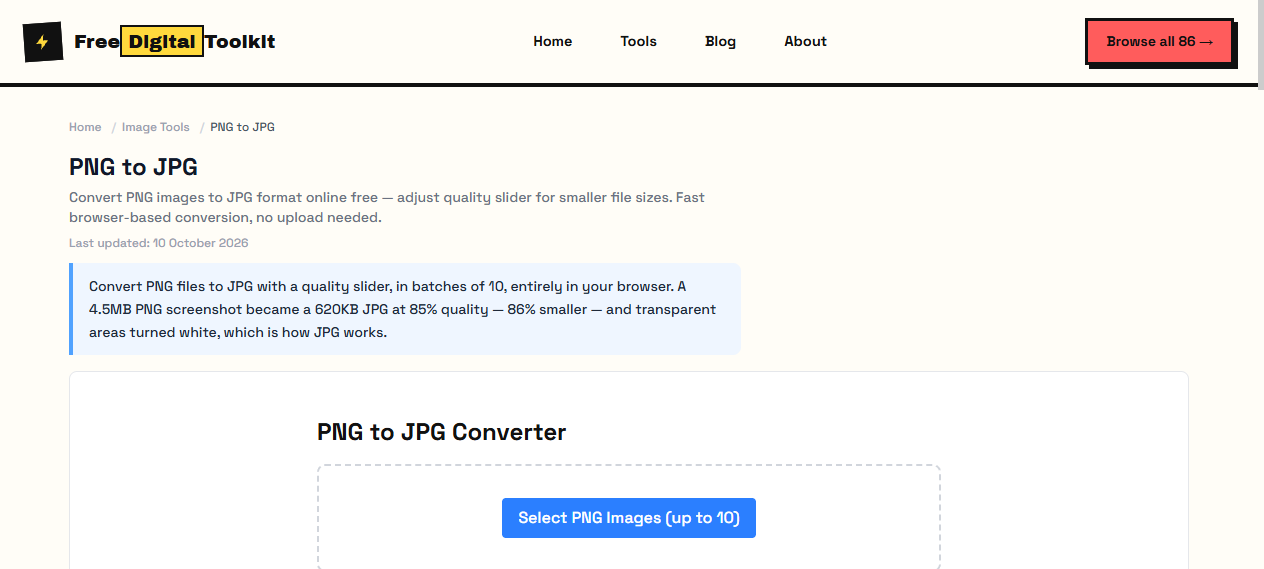
Convert PNG files to JPG with a quality slider, in batches of 10, entirely in your browser. A 4.5MB PNG screenshot became a 620KB JPG at 85% quality — 86% smaller — and transparent areas turned white, which is how JPG works.
PNG to JPG Converter
Worked Examples
Tested conversion
- 4.5MB PNG screenshot at 85% quality → 620KB JPG (86% smaller)
- Transparent regions render as white — JPG has no alpha channel
- Batch converts up to 10 files, each with the same quality setting
Before you convert
- If transparency matters, keep the PNG or convert to WebP instead.
- Resize oversized screenshots first — dimensions dominate file size.
- Photos stored as PNG convert beautifully; flat UI screenshots lose less to quantization than to dimension bloat.
Screenshots
About PNG to JPG
Convert PNG images to JPG format with quality control. JPG files are smaller than PNG, making them ideal for photos and images without transparency. Adjust the quality slider to balance file size and image quality. We tested by converting a 4.5MB PNG screenshot to JPG at 85% quality, producing a 620KB file — an 86% size reduction. Transparent PNGs with a checkerboard background rendered as white in the JPG output, as expected.
Supported formats: Input: PNG, Output: JPG
Limits: Maximum 10 images per batch; Transparency is permanently lost — cannot be recovered from the JPG output; Very large PNGs (over 4000x4000) may hit canvas limits on mobile devices; PNGs with partial transparency will have semi-transparent areas rendered against white
Who Uses This Tool
- A photographer converting PNG RAW previews to JPG for quick client sharing on social media
- An office worker converting PNG screenshots to JPG to reduce email attachment sizes
- A designer converting transparent PNG mockups to JPG for a client presentation where transparency isn't needed
Key Features
- Adjustable quality slider
- Batch convert up to 10 images
- Forces true JPEG output via canvas
- Transparent areas converted to white background automatically
How to use PNG to JPG
- Click 'Select PNG Images' and choose up to 10 files.
- Adjust the quality slider (1-100%).
- Click 'Convert' and download your JPG files.
How It Compares
Unlike Smallpdf's PNG to JPG converter which requires a paid account for batch processing, this tool converts up to 10 images for free in a single batch. It also gives you direct quality control via a slider, while many competitors only offer fixed quality presets.
Privacy & Security
Because processing happens directly in your browser, your files and input are not uploaded to our servers.
Written and checked by Mohammad Sohail
Conversion figures re-checked on 10 October 2026 with the sample screenshot.
About FreeDigitalToolkit →Frequently Asked Questions
Will transparency be lost?
Yes. JPG does not support transparency. Transparent areas will be converted to a white background.
What quality setting should I use?
80-90% gives a good balance. Below 70% may show visible quality loss.
What happens to transparent areas in my PNG?
Transparent pixels are composited onto a white background. If your PNG has a transparent subject on a colored background, the result will have a white background behind the subject instead.
Why is the JPG output larger than expected?
Very large PNGs (e.g., 4000x4000 screenshots) produce large JPGs even at moderate quality. Try reducing quality to 70-75% or resizing the image first if file size is a concern.
Can I batch convert different PNG files at different quality levels?
Currently all files in a batch use the same quality setting. For different quality levels, process them in separate batches.
Related Tools
Browse all Image Tools or explore our full collection of 86 free tools.