Reverse Text
Reverse text, words or lines online free — flip text backwards instantly. Perfect for puzzles, coding, and text manipulation.
Last updated: 10 October 2026
Reverse characters, words or line order in any text, instantly in the browser. The quick brown fox became xof nworb kciuq ehT in character mode and fox brown quick The in word mode.
Reverse Text
Worked Examples
Tested modes
- The quick brown fox → characters: xof nworb kciuq ehT
- The quick brown fox → words: fox brown quick The
- Multi-line input → lines mode returns the last line first
Practical uses
- Checking mirrored or RTL text handling in a UI.
- Generating palindrome and puzzle material.
- Testing parsers that must not assume reading order.
Screenshots
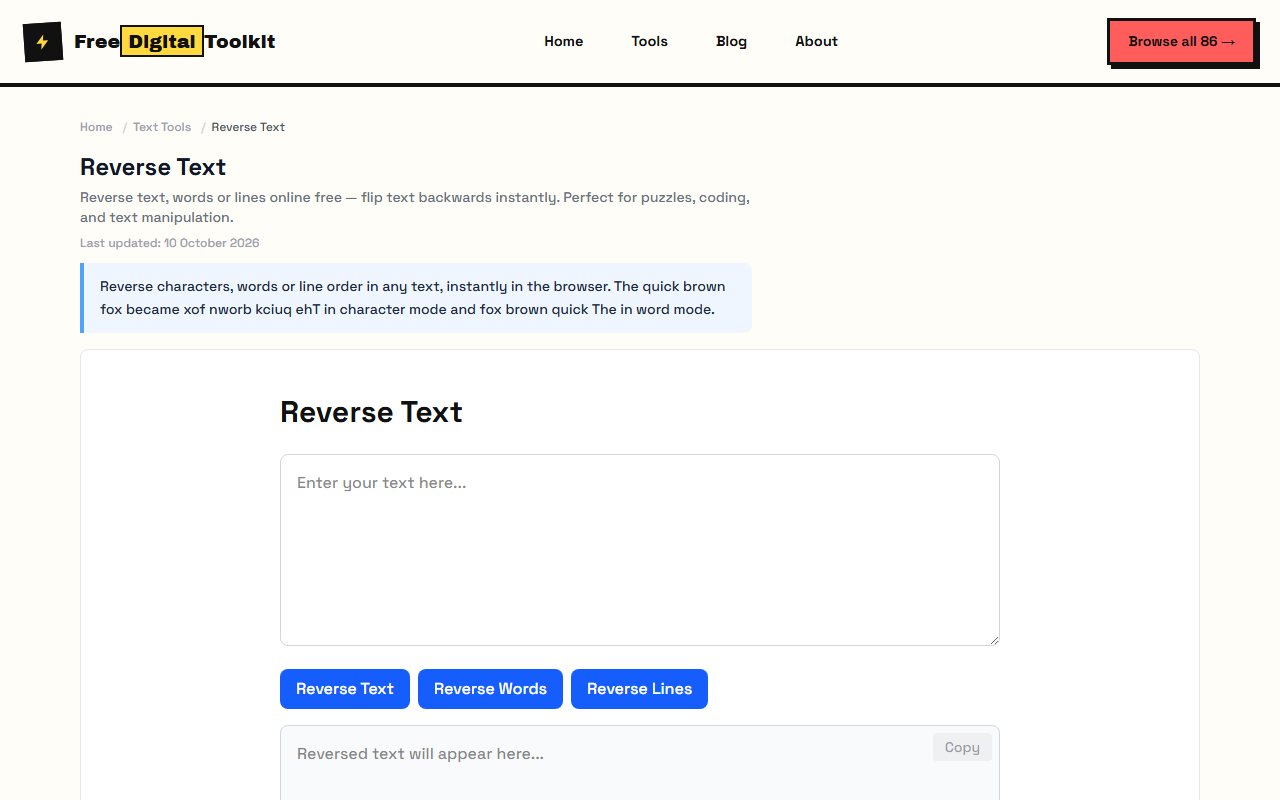
About Reverse Text
Reverse text, words, or entire lines online. Choose to reverse individual characters, entire words, or the order of lines. Useful for puzzles, testing, and fun. We tested with 'The quick brown fox' — Reverse Characters gave 'xof nworb kciuq ehT', Reverse Words gave 'fox brown quick The', and Reverse Lines gave the last line first, all as expected.
Limits: Composed Unicode characters (flag emojis, combining diacritics) may not reverse correctly; Maximum recommended input: 50,000 characters; Reverse Characters reverses the entire text as a block — does not preserve per-line reversal for multi-line text
Who Uses This Tool
- A developer testing a string reversal function by comparing output with known reversed strings
- A puzzle creator generating reversed-word clues for a crossword or escape room game
- A linguist analyzing palindromes and mirror writing patterns in text
Key Features
- Reverse characters
- Reverse words
- Reverse line order
- Instant result
- Preserves whitespace and formatting
- Handles multi-line text
How to use Reverse Text
- Paste your text.
- Choose: Reverse Characters, Reverse Words, or Reverse Lines.
- Copy the result.
How It Compares
Unlike TextFixer which only offers character reversal, this tool provides three distinct reversal modes (characters, words, lines) in one tool. It also handles multi-line text and Unicode more reliably than most free reversal tools that break on emojis.
Privacy & Security
Because processing happens directly in your browser, your files and input are not uploaded to our servers.
Written and checked by Mohammad Sohail
Modes re-checked on 10 October 2026 with the sample sentence.
About FreeDigitalToolkit →Frequently Asked Questions
What's the difference between reverse characters and words?
'Hello World' reversed characters: 'dlroW olleH'. Reversed words: 'World Hello'. Characters flips every letter; words reorders the words without changing their internal spelling.
Does it handle multi-line text correctly?
Yes. Reverse Characters and Reverse Words operate on the entire text as a single block. Reverse Lines flips the order of lines while keeping each line's content intact.
Can I reverse text with emojis and special characters?
Most emojis and special characters are reversed correctly. Some composed Unicode characters (like flag emojis made of multiple code points) may not reverse as expected.
Is there a practical use beyond fun?
Yes. Developers use reverse text to test string manipulation functions, linguists use it for phonetic analysis, and security researchers use it to detect simple text obfuscation.
Does reversing words handle multiple spaces between words?
Yes. Multiple spaces between words are preserved in the reversed output. 'Hello World' (3 spaces) becomes 'World Hello' (3 spaces).
Related Tools
Browse all Text Tools or explore our full collection of 86 free tools.