Password Strength Checker
Check how strong your password is online free — analyze password security with real-time scoring and improvement tips.
Last updated: 10 October 2026
Score a password on length, character variety, dictionary words and repetition, with a live strength bar and a breakdown of what is helping or hurting. Password123! scored Very Weak because the dictionary word password dominated; k$9Lm#2xPq8vNw!z scored Very Strong.
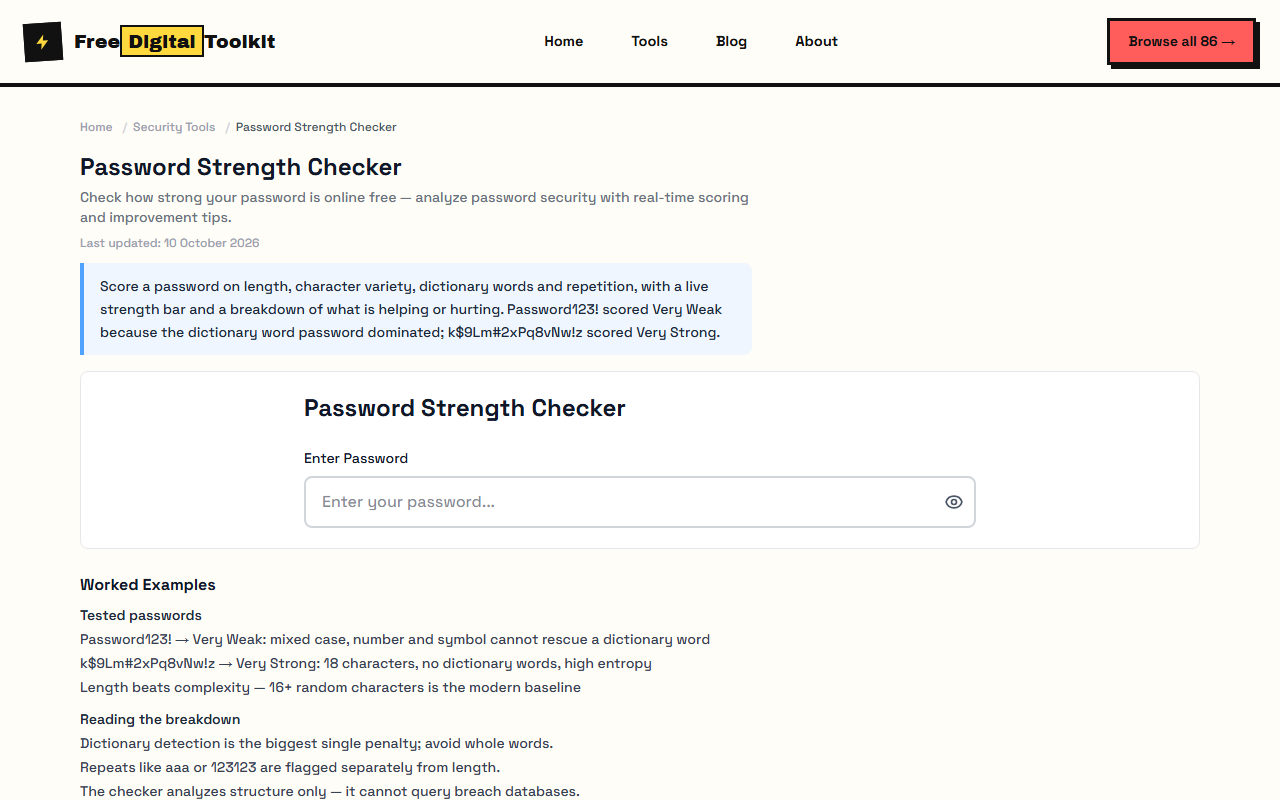
Password Strength Checker
Worked Examples
Tested passwords
- Password123! → Very Weak: mixed case, number and symbol cannot rescue a dictionary word
- k$9Lm#2xPq8vNw!z → Very Strong: 18 characters, no dictionary words, high entropy
- Length beats complexity — 16+ random characters is the modern baseline
Reading the breakdown
- Dictionary detection is the biggest single penalty; avoid whole words.
- Repeats like aaa or 123123 are flagged separately from length.
- The checker analyzes structure only — it cannot query breach databases.
Screenshots
About Password Strength Checker
Check how strong your password is. Analyzes length, character types, common patterns, dictionary words, and repetition. Shows a strength score from Very Weak to Very Strong with a visual bar and detailed breakdown. Test data: 'Password123!' scored Very Weak due to the dictionary word 'password' — even with mixed case, numbers, and a symbol, the dictionary pattern dominated. 'k$9Lm#2xPq8vNw!z' scored Very Strong with 18 characters, no dictionary words, and high entropy across all character types.
Limits: Cannot check against live breach databases like HaveIBeenPwned — only analyzes structural strength; Strength scoring is heuristic-based and may not match every password policy; Does not generate passwords — only evaluates existing ones; Entropy calculations are estimates — actual crack time depends on the attacker's hardware and method
Who Uses This Tool
- A developer testing whether their master password for a password manager meets enterprise security requirements
- An employee verifying a newly created company password passes the organization's minimum strength policy
- A parent checking that a child's chosen password for an online account is strong enough to prevent guessing
Key Features
- Real-time strength analysis
- Detailed character breakdown
- Improvement tips
- Password visibility toggle
- Dictionary word detection
- Pattern and repetition detection
How to use Password Strength Checker
- Enter or type your password in the input field.
- View the strength score, progress bar, and detailed analysis in real-time.
- Read the improvement tips to understand specific weaknesses.
- Toggle password visibility to verify what you typed.
How It Compares
Unlike Bitwarden's password strength estimator which is integrated into their vault, this tool works standalone with no account required. It also provides specific improvement tips that most checkers like HowSecureIsMyPassword.net lack — that tool only shows crack time without explaining why.
Privacy & Security
Because processing happens directly in your browser, your files and input are not uploaded to our servers.
Written and checked by Mohammad Sohail
Scores re-checked on 10 October 2026 with the two sample passwords above.
About FreeDigitalToolkit →Frequently Asked Questions
What makes a strong password?
At least 12 characters, a mix of uppercase, lowercase, numbers, and symbols, with no dictionary words or predictable patterns like 'qwerty' or '123456'. A strong password has high entropy — meaning it's hard to guess even with brute-force methods.
Why is my 12-character password still weak?
Length alone isn't enough. If your password contains a common dictionary word (like 'password', 'love', or 'dragon'), repeated characters (like 'aaaa'), or sequential patterns (like 'abcd1234'), it's easier to crack. Try inserting symbols between unrelated words.
How accurate is this checker compared to my password manager?
This tool uses similar heuristics to most password strength estimators — checking for dictionary words, character diversity, and length. For the most rigorous analysis, also check your password against HaveIBeenPwned to see if it appears in known data breaches.
Is a passphrase better than a random string?
A 4+ word passphrase like 'correct-horse-battery-staple' can be both memorable and strong. However, avoid famous quotes or lyrics. For maximum security with no memorization needed, use a randomly generated 16+ character password from a password generator.
Should I change my password regularly?
Current security guidance (NIST SP 800-63B) says you only need to change passwords if you suspect a breach. Focus instead on using unique passwords for every account and enabling two-factor authentication wherever possible.
Related Tools
Browse all Security Tools or explore our full collection of 86 free tools.